Switch from Lightspeed to Shopify POS Seamlessly

Our client, a retail business, was using Lightspeed as their POS system while running their eCommerce operations on Shopify. With the goal of unifying their in-store and online operations, they sought to switch from Lightspeed to Shopify POS for a seamless and efficient system.

The primary challenge was migrating a vast amount of data (products, orders, and customers) while ensuring accuracy and minimizing disruption to day-to-day operations.

Key Challenges

  • The client had to transfer 2,489 products, 197 orders, and 7,290 customer records from Lightspeed to Shopify, which involved ensuring data accuracy across platforms.
  • The exported data from Lightspeed required thorough cleaning and formatting to meet Shopify’s import requirements.
  • Ensuring that product inventory levels in Shopify remained accurate during the migration was critical to avoid discrepancies.

Solution Highlights

To address the client’s needs, we executed a thorough data migration and customization project. With proper planning and efficient execution, we ensured a smooth transition from Lightspeed to Shopify POS. Our solution was carried out in a step-by-step manner as follows:

  1. We began by exporting all relevant data, including product details, order history, and customer information, from Lightspeed.
  2. The exported data was carefully reviewed, cleaned, and formatted to align with Shopify’s import requirements, ensuring no data inconsistencies.
  3. We imported the product catalog into Shopify, including SKU numbers, descriptions, prices, and stock levels, ensuring accurate inventory representation.
  4. Historical orders were migrated to Shopify to maintain continuity in reporting and provide smooth customer service, with no gaps in order history.
  5. We transferred all  2,489 products, 197 orders, and 7,290 customer records, ensuring that contact details and purchase history were intact.
  6. We implemented real-time inventory syncing to maintain accurate stock levels across the Shopify system.
  7. The new system was rigorously tested to ensure the imported data was accurate and the POS system functioned flawlessly.

Project Outcomes

With our comprehensive Shopify POS migration, the client gained the following benefits:

  • The client now operates both their online and in-store retail through Shopify, simplifying management and improving operational efficiency.
  • All product, order, and customer data were successfully migrated, with no loss of information or inconsistencies.
  • The testing and validation phase ensured a smooth transition with minimal downtime or disruption to the client’s day-to-day operations.

Want to migrate your eCommerce system or POS from one platform to another? Schedule a no-cost eCommerce migration consultation with our experts today! Book your free consultation here – https://calendly.com/connect-with-synergytop or give us a call at +1 (619)-349-4911.

Let’s Explore

    Our Recent Work

    Bringing Your Ideas to Life & Crafting Your Digital Success
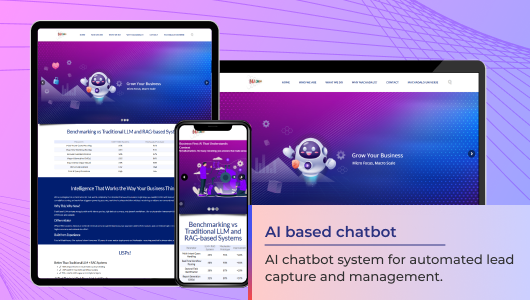
    Our Related Blogs

    "Insights & Innovations: Stay Updated with Our Latest Blogs"
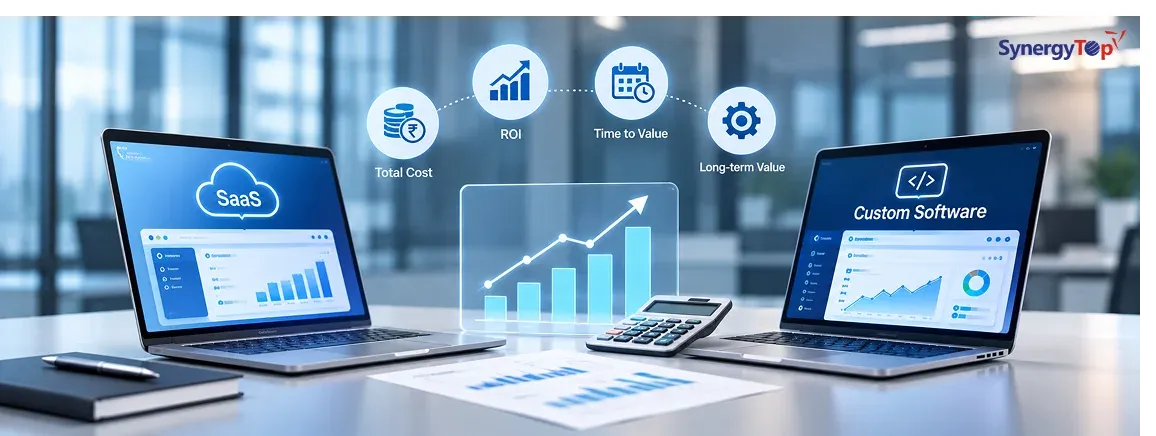
    Custom Software vs SaaS: When Does Building Your Own Software Make Financial Sense?
    Custom Software vs SaaS: When Does Building Your Own Software Make Financial Sense?

    Most businesses choose SaaS for a good reason. It is quick to deploy, requires little upfront investment, and allows a team to start working without building or maintaining its own...
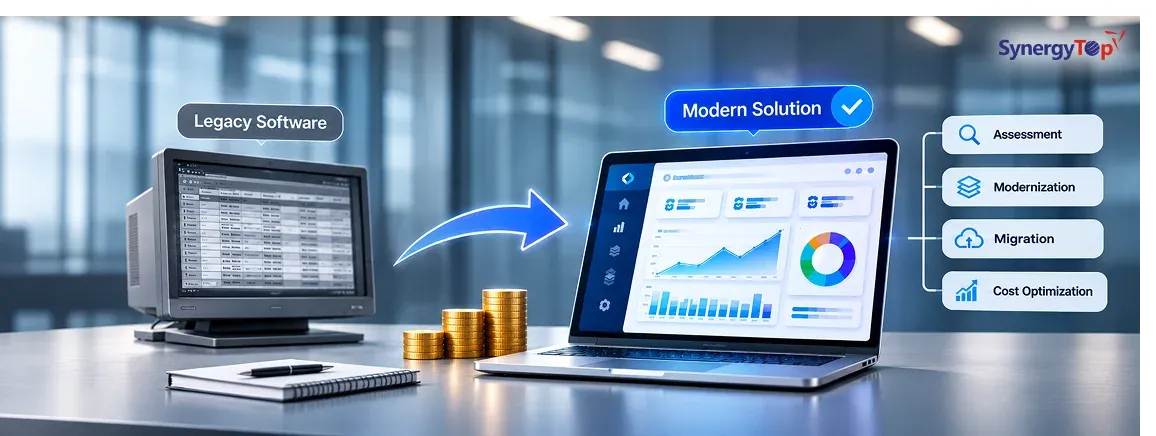
    How Much Does It Cost to Replace Legacy Business Software?
    How Much Does It Cost to Replace Legacy Business Software?

    Replacing legacy business software can cost anywhere from $25,000 for a focused modernization project to $200,000 or more for a complex business application with multiple integrations, historical data, custom workflows,...
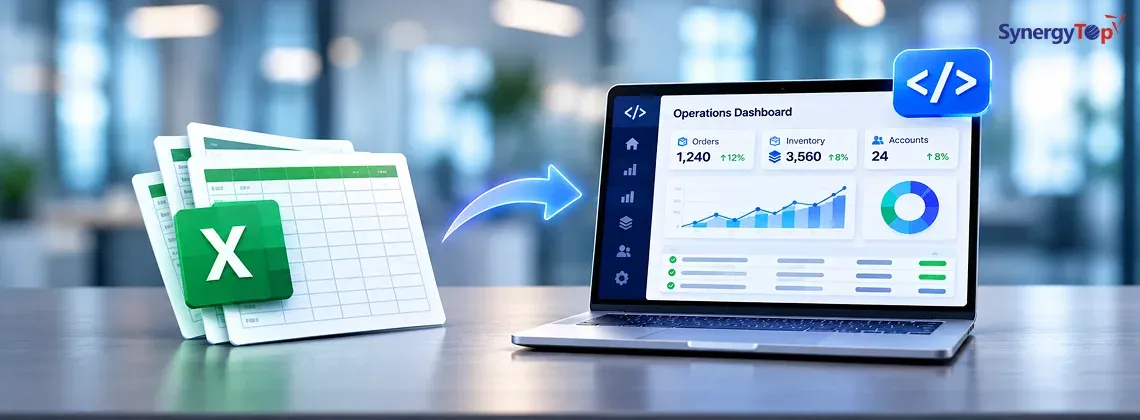
    How to Replace Excel-Based Business Operations With Custom Software
    How to Replace Excel-Based Business Operations With Custom Software

    Your business probably did not plan to run critical operations in Excel. It usually starts with one spreadsheet. Then sales creates another. Operations adds another. Finance maintains its own version....

    st-log

    At SynergyTop, we are more than just an IT company; we are your strategic partner for digital success. With a passionate team of experts, we craft innovative solutions that drive your business forward.

    Social 1Social 2Social 3
    Social 4Social 5Social 6